P01Most recommendedStart here
First Build
from €2,5007-10 day test
For one repeated workflow that can be tested in 7-10 days.
- clear inputs and outputs
- working AI-assisted contour
- human review boundary
- first reporting surface

Nexcore AI turns messy lead handling, CRM follow-up, and repetitive operations into controlled AI-assisted workflows with human review, clear outputs, and visible reporting.
Start with one repeated workflow, not the whole company.
AI prepares the work. People approve important actions.
Every run ends with a task, draft, record, alert, or report.
Build, tools, runtime, and support are separated before the work starts.
The real cost
Leads drop between forms, chats, and CRM. Follow-ups live in someone's memory. Reports are rebuilt by hand. Nobody sees what was processed, approved, or left behind.
We build one visible contour: what enters, what AI prepares, what a human reviews, what gets done, and what gets reported.
Demo systems
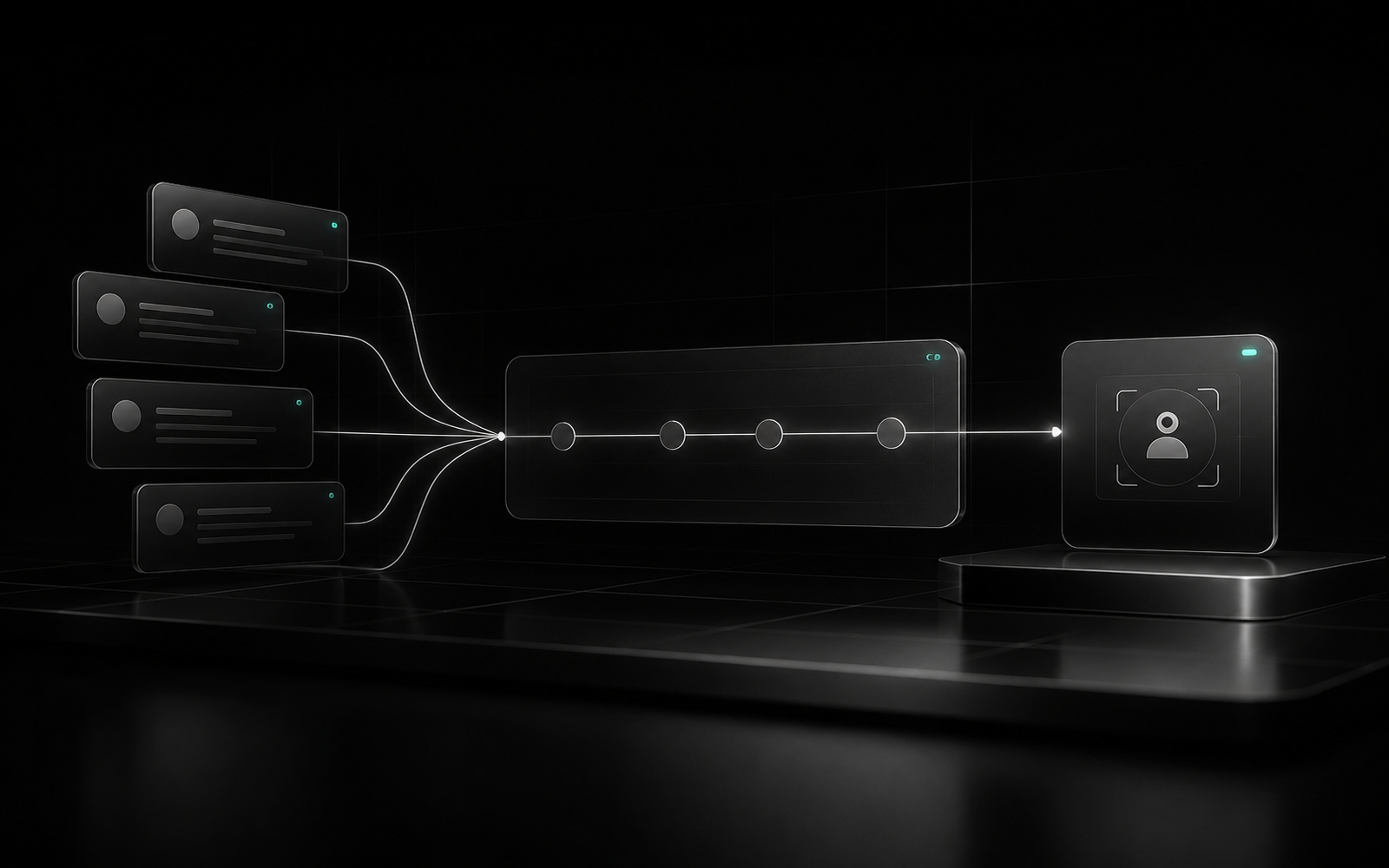
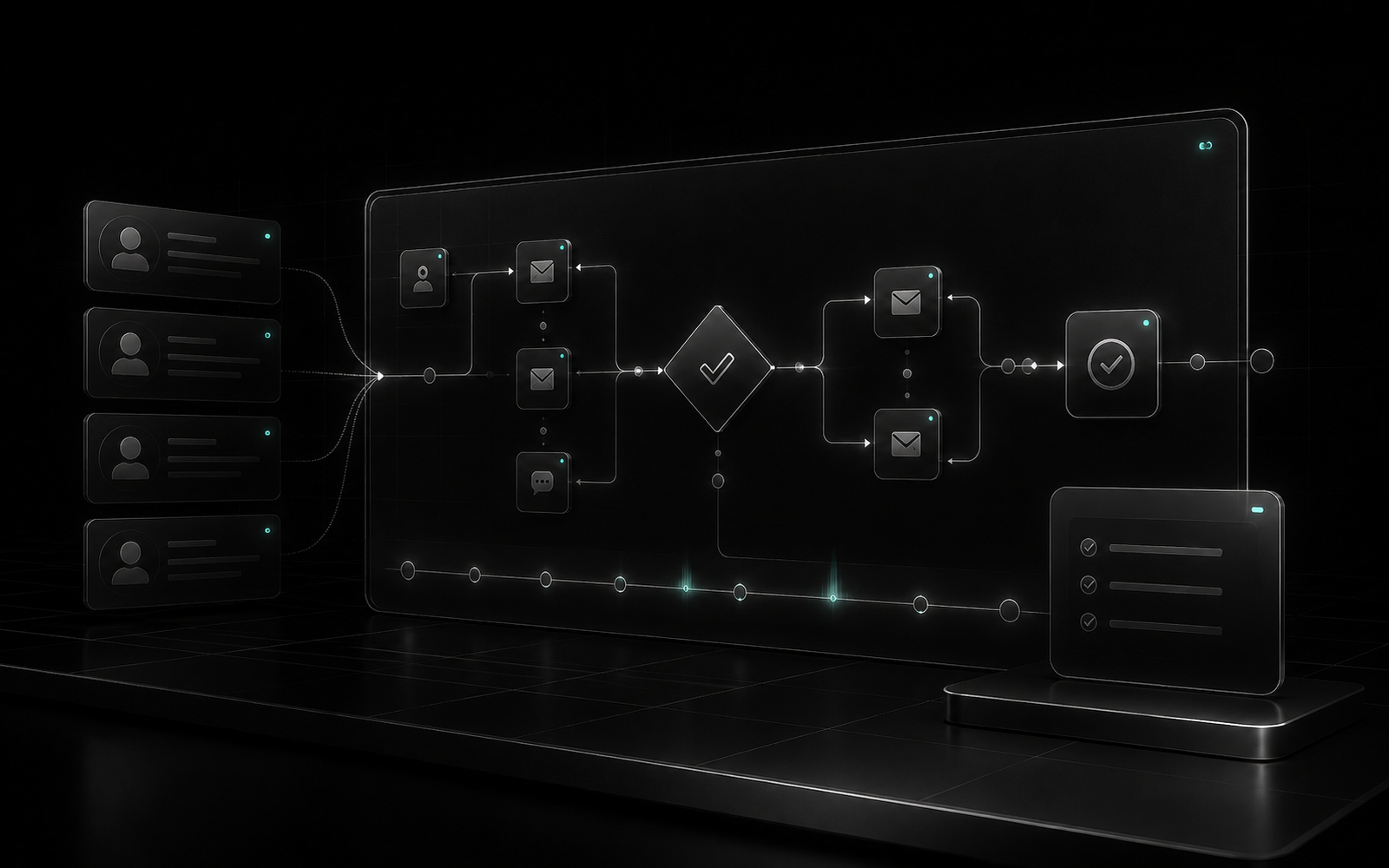
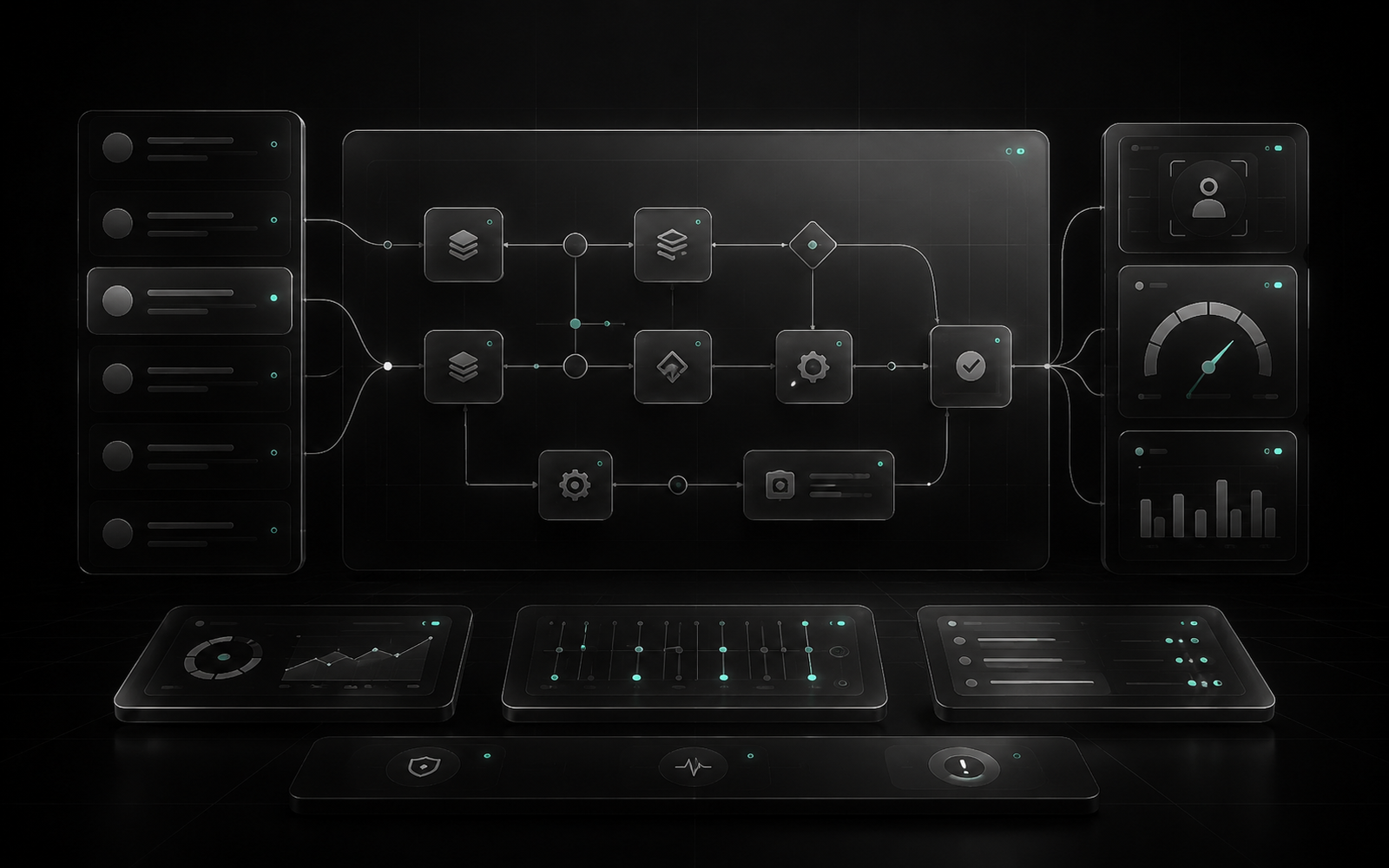
These demos show the direction: one repeated process, visible control, and a clean handoff to the team.
Operating logic
We start with one process, one short engagement, and one measurable output, not a company-wide transformation.
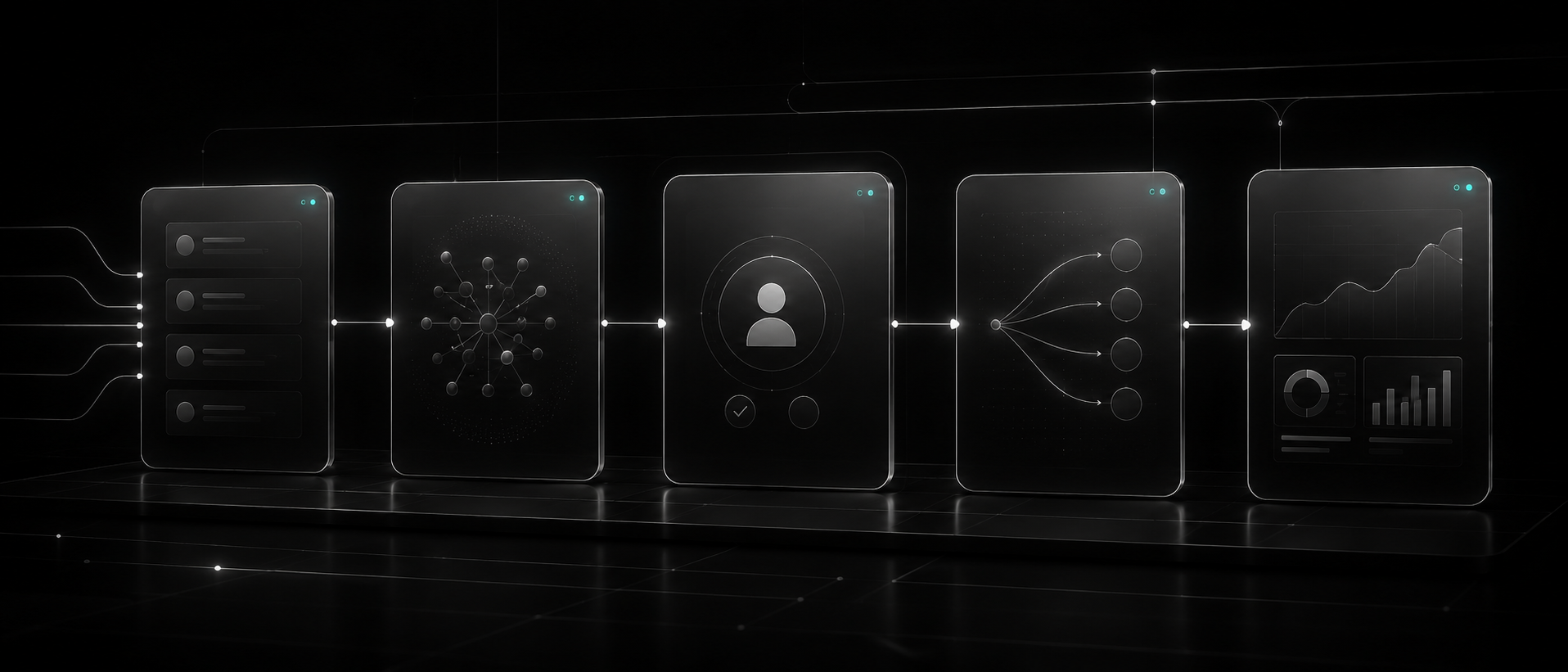
Requests, forms, chats, CRM records, spreadsheets, or other incoming data.
AI structures the information and prepares the next step.
Important actions are reviewed before anything goes out or changes.
A task, draft, CRM update, alert, or message is created.
The team sees what was handled, what is blocked, and what needs attention.
Why it works
We start by understanding where time is lost and what output matters.
Risky actions stay human-reviewed until the workflow is proven.
Build work, tools, API usage, hosting, and support are separated before the project starts.
Qualification
The audit works best for repeated operations with clear inputs, decisions, and outputs, not vague ideas about adding AI.
Pricing
We start by understanding the work, then define the scope, timeline, and next step. Tools, API usage, hosting, and support stay separate.
For one repeated workflow that can be tested in 7-10 days.
For teams that want to understand where manual work can be reduced.
For expanding a proven workflow into a reliable operating layer.
For maintaining, improving, and monitoring systems that are already in use.
FAQ
Short answers before we scope the first build.
We ask you to show one repeated process: where it starts, who handles it, where the result is stored, and what currently takes the most time. Then we suggest the safest first step.
No. Risky actions stay human-reviewed until the workflow is tested and approved. AI prepares the work; people keep control.
Most first builds take 7-10 days when the process is clear and the required context is available.
No. We do not guarantee sales. We help reduce manual work, make the process clearer, and create a system the team can actually use.
No. Build scope, paid tools, API usage, hosting, and ongoing support are separated before the work starts.
We say so. Sometimes the best audit result is learning that the process needs cleanup before automation.

Next step
Send us one process that still lives in chats, spreadsheets, or someone's memory. We'll tell you whether it can become a controlled AI-assisted workflow.
Start with one process. We'll ask a few questions and suggest the safest first step.